

Online Map Maker to Build a Map in Minutes
Mapme is an online map maker for creating interactive maps without coding or GIS expertise.
With Mapme you can Import locations from Excel or Google Sheets, customize markers, colors, and layouts, and publish maps on your website or share them directly with your audience.
With over 100,000 maps created, Mapme is trusted by businesses, event organizers, real estate professionals, schools, nonprofits, and governments worldwide
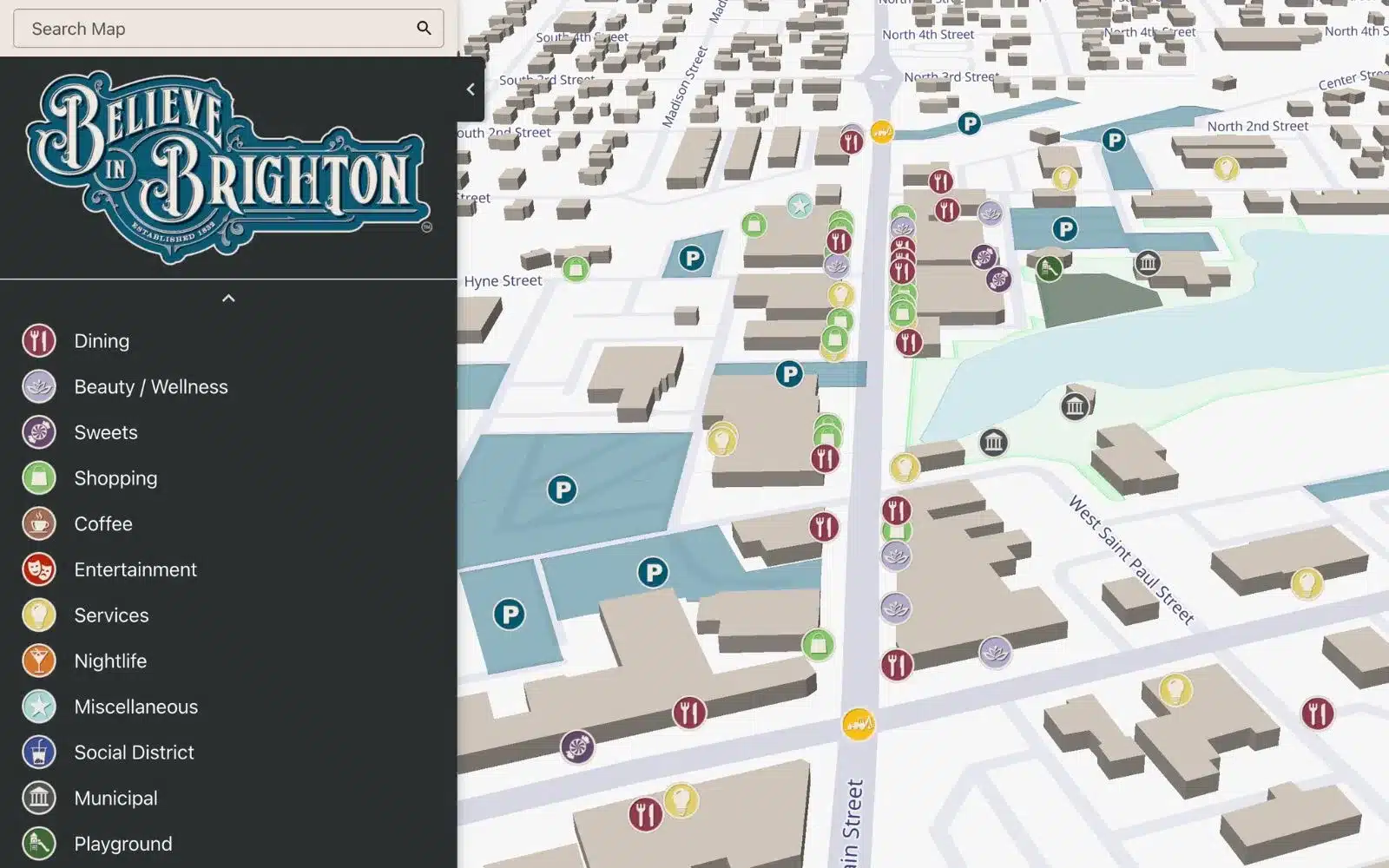
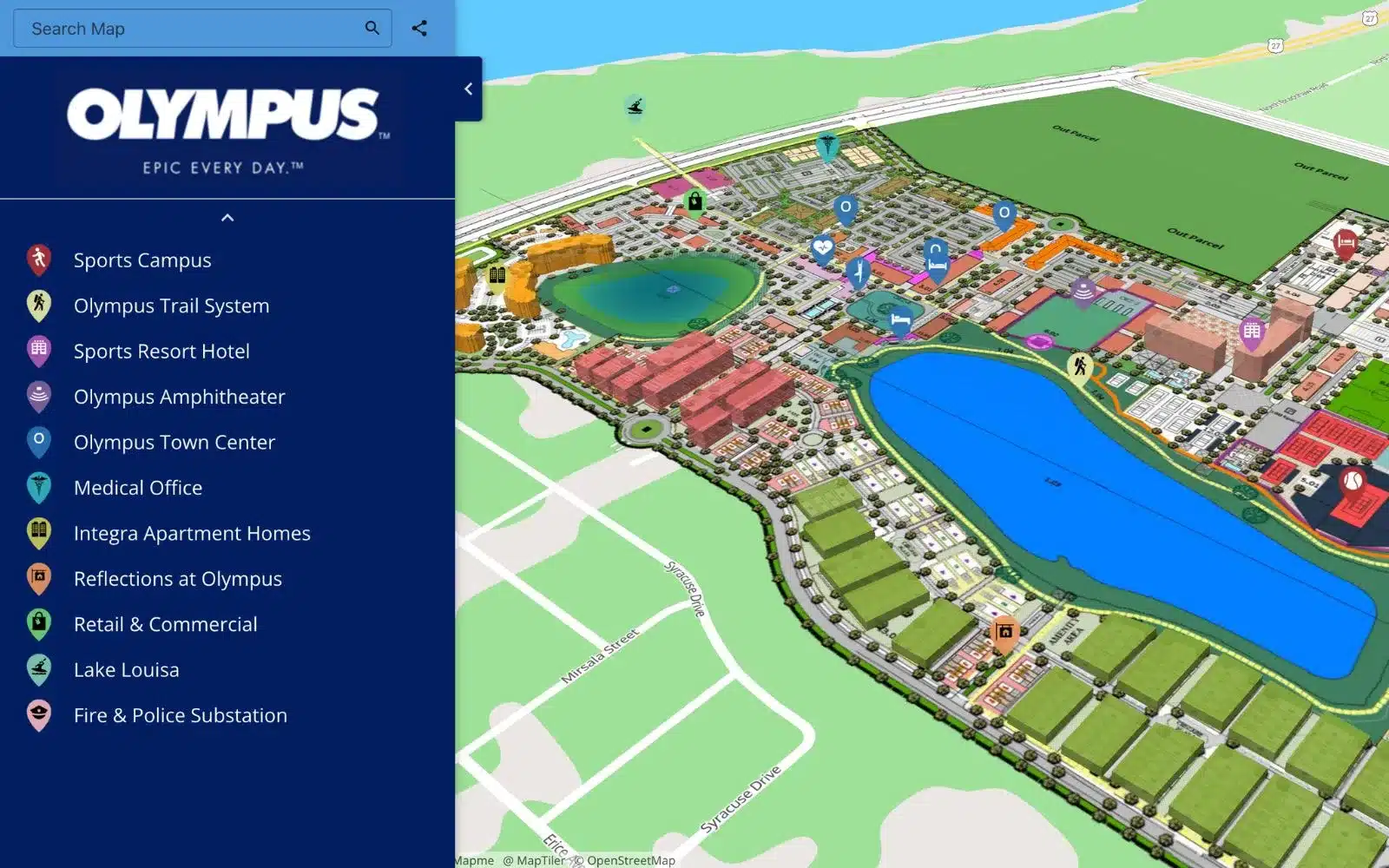


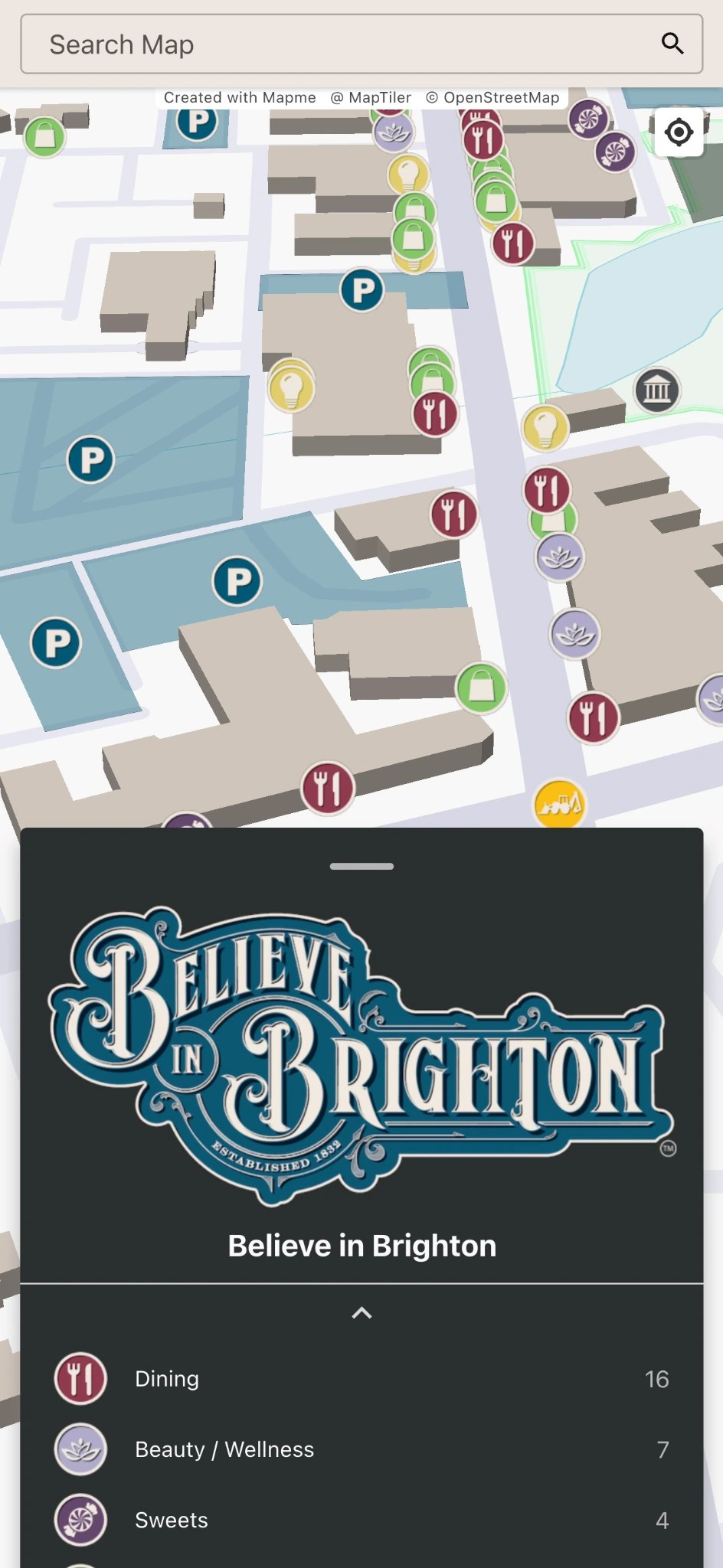
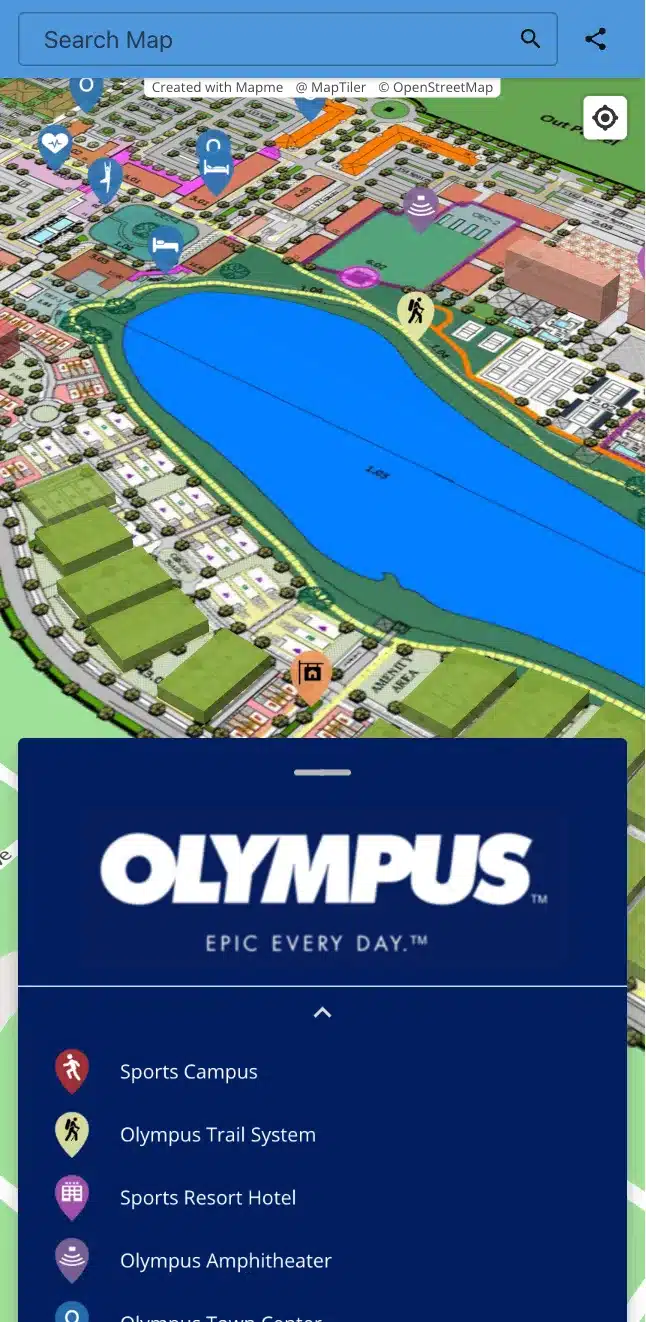

How to make a map in 5 steps
1. Add your locations
Smaller maps (10-50 locations): Add locations directly on the map with a few clicks.
Larger maps (thousands of locations): Import via Excel or our Google Sheets integration.
Enhance your map: Add images, videos, PDFs, and even 3D tours to each location.
Drive action: Include call-to-action buttons for lead generation and sales.
2. Organize with categories and search
Categories: Group locations for easy visitor filtering.
Focused search: Help visitors find what they need quickly.
3. Customize your map
Choose your style: Select the perfect basemap or design your own.
Personalized markers: Use custom shapes, colors, and icons.
Brand it: Add your logo, colors, and fonts.
4. Preview your map
Desktop and mobile: Preview your map on different devices to ensure it looks great and functions smoothly everywhere.
Optimize the experience: Fine-tune panels, lists, and call-to-action buttons for the best user experience.
5. Share your map
Embed on your website: place it in a prominent location
Social Sharing: share your map on social media, emails, and newsletters.
Why teams choose Mapme as their map maker
Customize to match your brand perfectly
Packed with powerful features for maximum impact
What kind of map can you build?
Maps with pins and markers
Display locations in your colors
Events
Manage event locations
Crowdsource Map
Collect community data
Business Impact Map
Show economic impact
Manufacturing Plants
Map plant operations
Student Project
Present project work
Campus Map
Navigate campus spaces
Parking Map
Manage parking information
Portfolio Map
Visualize projects by location
Safety & Security
Improve emergency readiness
Indoor & Outdoor Markets
Mapping vendors & visitor flow
Downtown & City Guide Map
Publish city guides
and use cases unique to your business
Free map makers vs Mapme: which do you need?
Free tools like Google My Maps are a reasonable choice for quick personal maps. They fall short when you need brand control, bulk imports, marker clustering, media-rich locations, lead capture, or a map that lives on your website without third-party branding.
Mapme includes a 14-day free trial, so you can build a real, working map before choosing a plan. For a detailed breakdown, see Google My Maps vs Mapme.
Watch: build your first map in two minutes
Explore Live Examples of Custom Maps Created with Mapme


Mapme is such an easy-to-use map builder. Adding new locations and content is even more efficient now with the release of the Google Sheets integration feature, allowing map owners to gather and upload content seamlessly. Our team members can create custom maps without any coding required including adding videos and PDFs to the maps. We also have found the customer service team to be very responsive and open to feedback for future enhancements.
Frequently Asked Questions
Do I need to know how to code to build an interactive custom map?
No. Mapme’s map maker is built for non-technical users. If you can edit a spreadsheet, you can build a map. No coding or GIS knowledge is required.
How do I create a map from a spreadsheet?
Upload an Excel or CSV file, or connect a Google Sheet with Map to Sheets. Mapme geocodes your addresses automatically and keeps the map in sync as your sheet changes.
Can I make a map for free?
You can build and publish a real map during Mapme’s 14-day free trial. If your needs are simple and personal, a free tool may be enough; we compare the options in our free map making tools guide.
What types of maps can I build?
Anything location-based: maps with pins, store locators, city guides, campus maps, event maps, and property portfolios. Browse live examples for inspiration.
What is the difference between a map maker and mapping software?
A map maker focuses on building and publishing a single map quickly. Online mapping software describes the broader platform around it: data management, team collaboration, publishing, and analytics. Mapme is both.
Can I brand the maps I build?
Yes. You can apply your logo, colors, fonts, and marker designs to every map. See the custom map maker for the full branding toolkit.